
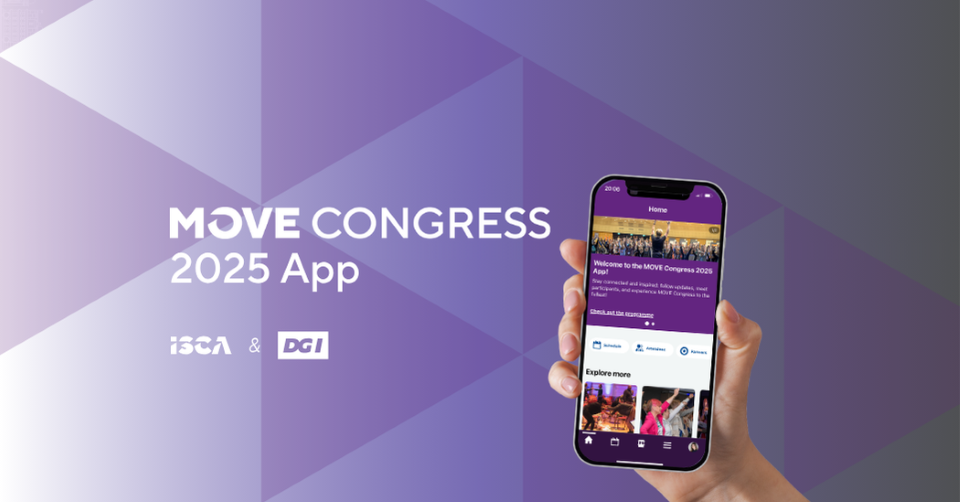
We’re excited to launch the MOVE Congress App — your personal companion for the event. Use it to get ahead of the networking game and make the most of your event by checking the participant list, registering for study visits, messaging, appointments scheduling, topic discussions, and much more.
With the app, you’ll have everything at your fingertips including the full programme, timings, speaker profiles, interactive venue map, live updates, and networking tools.
Create your agenda on the spot
Choose between concurrent sessions, sign up for inspiring study visits, or arrange 1‑to‑1 appointments with fellow attendees.
Stay in the loop
Get essential event information, use interactive maps to find your way around, and receive real time notifications of any changes and key information.
Engage in the moment
Join discussions on key themes, take part in the polls, submit your questions and compete via gamification and win real‑world prizes.
How to Access the App
You’re all set to explore, connect, and make the most of MOVE Congress 2025!
I’ve not received my verification code. What do I do?
Check the email account you registered with and look in your spam or junk folder. The code may take a few minutes to arrive.
Can I use the app on my laptop?
Yes. While it’s designed for mobile, you can access a simplified web version here: Attendee Website
Can I access the app on multiple devices?
Absolutely! Download the app on any device and log in with the same email. Your data will automatically be synced.
Can I opt-out from being visible on the app for other participants?
Yes, you can switch your profile visibility settings anytime you want in My Profile settings. This will disable all the networking features.
I get the message that “your device isn’t compatible with this version“?
The MOVE Congress app requires iOS 17 and higher or Android 13 and higher. If you have a smartphone with an older operating system, you can access the simplified web version either on your laptop or smart phone here: Attendee Website.
Need technical help?
If you experience any login issues, contact our team at contact@movecongress.com.
On-site volunteers will also be happy to assist you during the event.

